
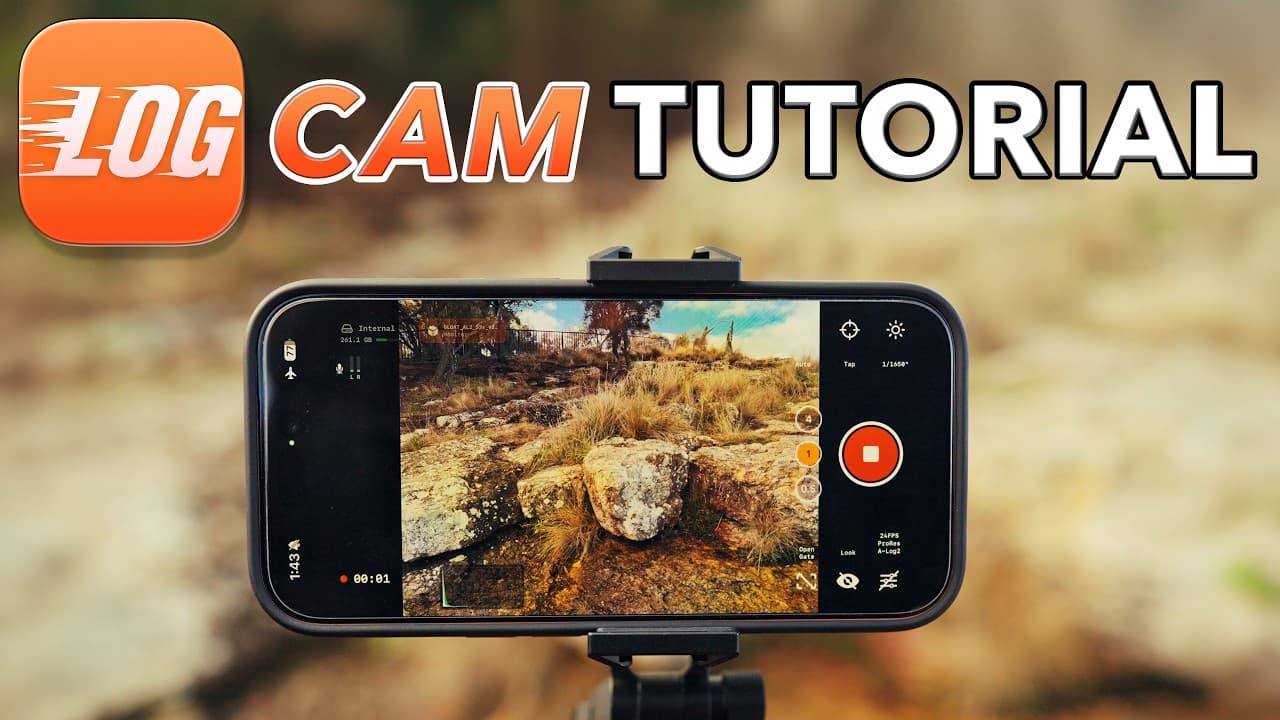
The Log Cam app allows iPhone users, including those with older models, to capture professional-grade log video using codecs like ProRes and HEVC 444, and log curves such as Apple Log 2, Sony S-LOG, and Arri Log C. This tutorial details how to configure the app for optimal capture settings, manage focus, exposure, and white balance, and export footage for post-production and grading in editing tools like DaVinci Resolve.
This development effectively democratizes high-end mobile cinematography by decoupled professional software features from Apple's Pro-series hardware tiers. By tapping the raw camera pipeline rather than the pre-processed video stream, developers can now offer cinematic latitude on budget hardware, challenging the value proposition of mid-range standalone cameras. For the streaming ecosystem, this signals a further expansion of professional-grade user-generated content, as the barrier to entry for high-dynamic-range production drops significantly. Watch for whether Apple responds with API restrictions to protect its Pro-tier hardware segmentation or if it leans into this enthusiast-driven bypass of its native image signal processing.
Log Cam and its companion RAW Cam are the work of Croatian developer Sebastijan Grabar, operating as a one-person studio called Lead the Way based in Zagreb. CineD published a detailed skeptical analysis of both apps, examining whether the "true Apple Log 2" marketing claim holds up against Apple's own white papers. CineD found that Apple Log 2 does not change the transfer function from the original Apple Log, meaning no additional stops of dynamic range are gained. What changes is the gamut: Apple Log 2 introduces Apple Wide Gamut with imaginary primaries (the blue primary sits at a negative coordinate outside the visible spectrum), the same mathematical device used by ACES and ARRI Wide Gamut to encode deeply saturated colors without clipping. Because Apple publishes both curve constants and gamut coordinates, Log Cam's implementation can in principle be mathematically exact, though Apple does not publish how each sensor's native response is characterized into that space.
The pricing model positions Log Cam as a low-cost alternative to dedicated cinema cameras. RAW Cam is a one-time purchase of $11.99, while Log Cam offers a free download with a 10-day trial and a $13.49 in-app unlock, both requiring iOS 17 or later. This undercuts even entry-level mirrorless cameras by orders of magnitude for log capture workflows. The apps support recording to external SSDs and export Gyroflow GCSV gyro-data files for post-production stabilization, extending the workflow beyond capture into the same post pipeline used by dedicated cinema camera operators.
No Film School covered Log Cam's feature set, noting that the app delivers open gate or 4K video with real-time RAW-frame debayering at up to 30fps, with ProRes, 10-bit HEVC 4:4:4 or 4:2:0 recording at bitrates up to 300 Mbps. The publication highlighted that the app provides access to image pipeline tools normally expected from dedicated cinema cameras, including anamorphic desqueeze, LUT support (baked-in or monitoring only), vignette correction, noise reduction, and 180-degree rotation for depth-of-field adapters. Early user reports noted freezes and dropped-frame errors on base-model hardware, and the lack of autofocus during recording remains a limitation that separates it from Apple's native camera pipeline.
Add StreamingMeme as a preferred source on Google to see more of our streaming news at the top of your Search results.
Add as preferred source